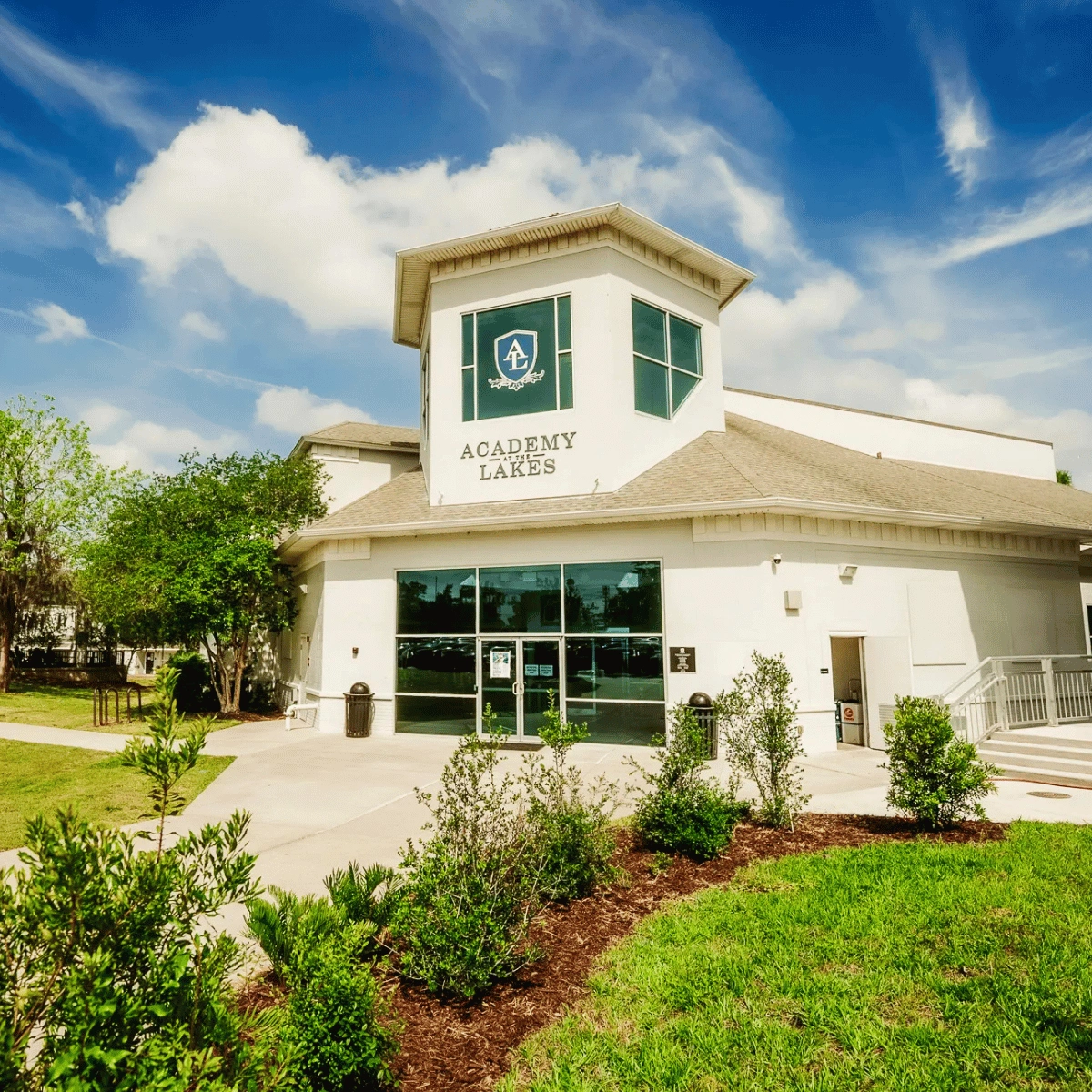
Turning a school website into a manageable set of directories and discovery tools. I worked on Academy at the Lakes’ WordPress rebuild, organizing repeatable information and developing interactive systems for staff, community businesses and summer-camp programs.
Client: Academy at the Lakes
My role: WordPress Rebuild and Structured Content Development
Project partner: NLVSTampa
Engagement: 2025
Technology: WordPress, Advanced Custom Fields (ACF), custom post types, CSV/XLSX workflows and JavaScript
The challenge: many kinds of information, many kinds of visitors
A school website serves families, students, prospective parents, faculty and community members. Some visitors want to meet staff, others need details about summer activities, and others are looking for businesses connected with the school community. Those needs cannot all be served well by one generic page layout.
The site needed content that visitors could browse and filter, while the school needed a way to update large numbers of entries without recreating individual designs. Editorial maintenance was therefore part of the project, not an afterthought.
The approach: separate content from presentation
I led the WordPress rebuild and information architecture, using custom post types and ACF to give recurring content its own consistent structure. Rather than putting every staff profile or business entry into hand-maintained pages, the site could use shared layouts with editable fields.
What I implemented
1. Faculty and Staff directory
I built a structured Faculty & Staff system with an alphabetical filter. Visitors could narrow a directory instead of scrolling through a long undifferentiated page. The content model also gave staff entries a predictable format for site editors.
2. Business Directory
The Business Directory was another repeatable content type. Its purpose was to present multiple entries coherently while allowing the school to maintain them through structured fields. It used the same underlying principle as the staff directory: one system to manage many entries.
3. Testimonials as managed content
I also developed a Testimonials content structure. Keeping these entries separate from page design let the school manage content consistently and reuse it wherever the existing site presentation called for it.
4. CSV and XLSX import/export
A directory becomes much easier to maintain when editors do not have to enter every record manually. I built CSV/XLSX import and export workflows to support bulk content administration. That addressed an important operational need behind the public-facing design.
5. Summer-camp calendar
The website included an interactive summer-camp calendar. It was designed to make program information more approachable than a static wall of dates and descriptions, supporting visitors who are exploring summer options.
Why the content architecture mattered
The technical work connected visitor navigation with day-to-day publishing. Directories could have a consistent entry structure; staff could use import/export where bulk changes were required; and calendar information had an interactive presentation rather than relying on manually formatted pages.
I treated these systems as part of the WordPress website rather than isolated widgets. That made the resulting experience more coherent and easier to maintain.
What the project delivered
The engagement delivered a WordPress rebuild, structured Faculty & Staff, Testimonials and Business Directory systems, alphabetical filtering, CSV/XLSX workflows and an interactive summer-camp calendar.
Those are the features I can document. The case study does not claim unverified admissions, enrollment, engagement or search-performance results.